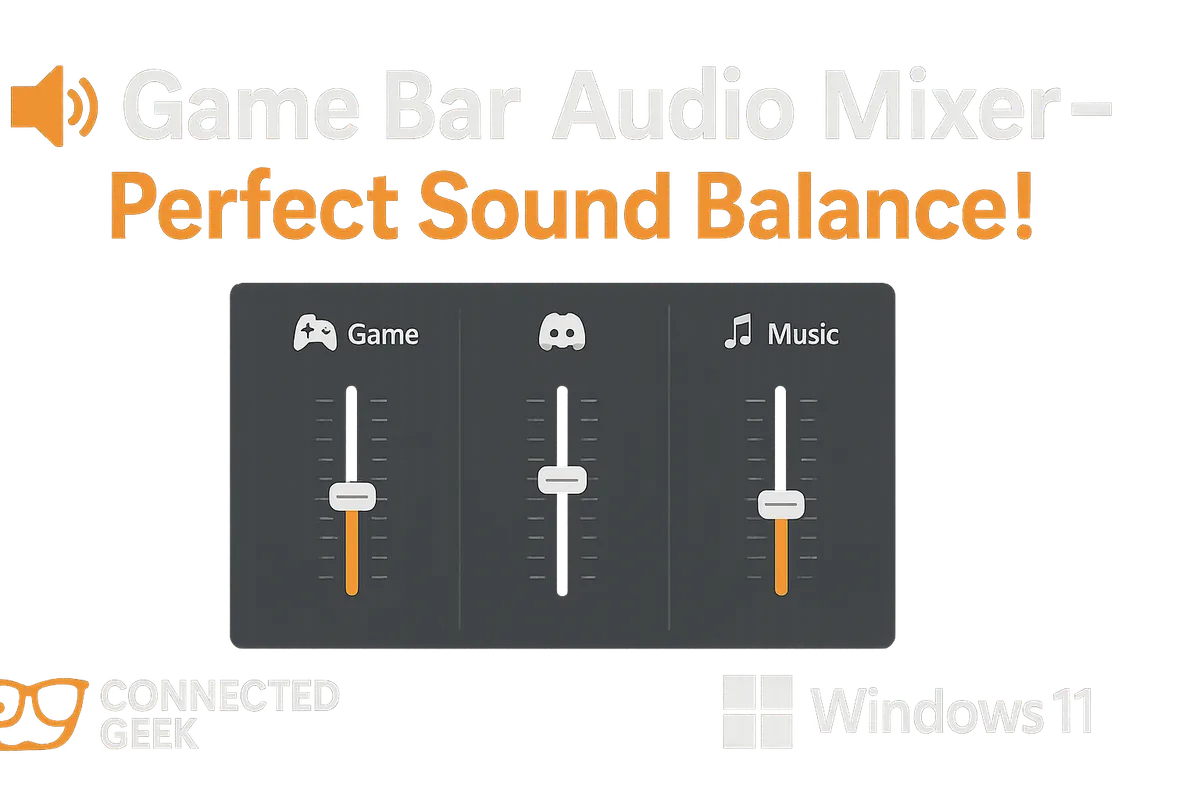
Windows 11 Game Bar Audio Mixer: Balance Game Sound Without Alt-Tabbing
Published on: 18/05/2026
The Game Bar Audio widget gives you individual volume sliders for every running audio source — game, Discord, Spotify, mic — all without leaving your game.
Windows 11Game BarAudio MixerGaming AudioSound ControlGame Audio SettingsWindows Gaming
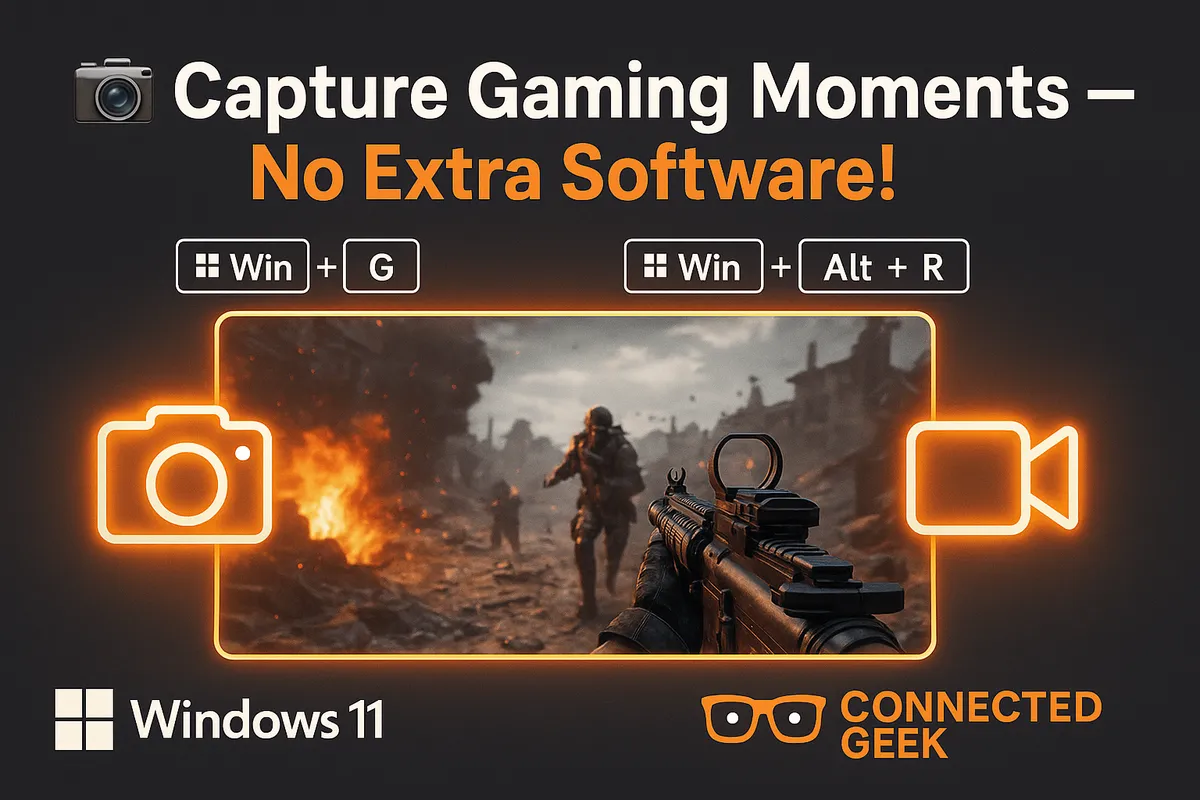
Windows 11 Game Bar: Capture Screenshots and Record Clips Without Third-Party Apps
Published on: 18/05/2026
Win+Alt+PrtSc for screenshots, Win+Alt+R to record, Win+Alt+G to save the last 30 seconds — Game Bar handles all your gaming captures natively in Windows 11.
Windows 11Game Bargamingrecord gameplayscreenshotvideo capture
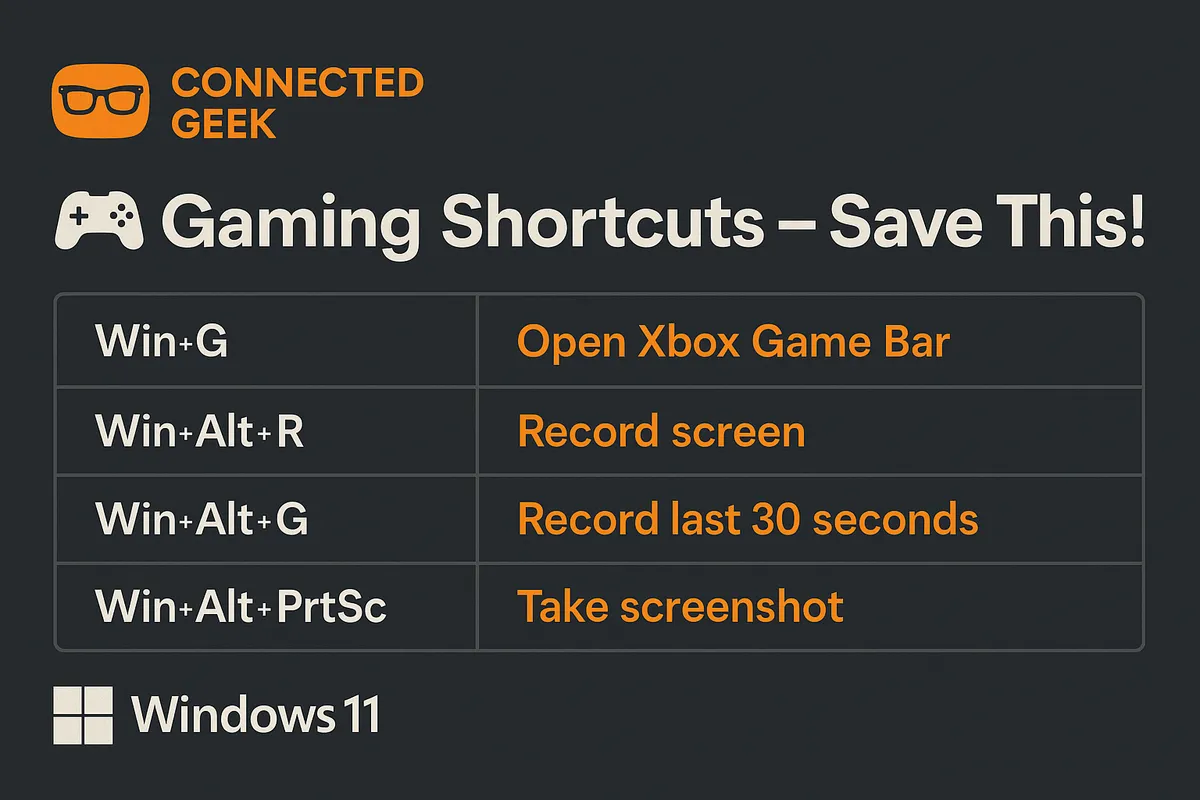
Windows 11 Game Bar Keyboard Shortcuts: The Complete Cheat Sheet
Published on: 18/05/2026
Master every Game Bar shortcut — Win+G, Win+Alt+R, Win+Alt+G and more — to capture, record and control audio without ever leaving your game.
Windows 11Game Bargaming shortcutsXbox Game Barkeyboard shortcutsgaming tips